Lesson 32: Multiple Linear Regression II
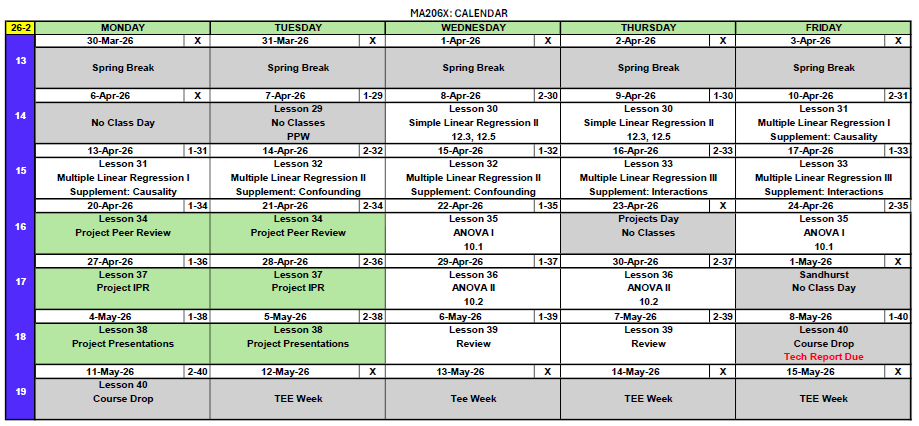
What We Did: Lessons 28, 30, 31
NoteLesson 28: Simple Linear Regression I
- Scatterplots describe direction, form, strength, and unusual features
- Least squares regression fits \(\hat{y} = b_0 + b_1 x\) by minimizing \(\sum(y_i - \hat{y}_i)^2\)
- Slope \(b_1\): predicted change in \(y\) for a 1-unit increase in \(x\)
- Intercept \(b_0\): predicted \(y\) when \(x = 0\) (may not be meaningful)
- Residuals: \(e_i = y_i - \hat{y}_i\)
- Extrapolation is dangerous – don’t predict outside the data range
NoteLesson 30: Simple Linear Regression II
- Read the regression output: equation, p-values, and \(R^2\)
- Test the slope with \(t = b_1 / SE(b_1)\)
- \(R^2\) measures the fraction of variability in \(y\) explained by the model
- Multiple regression: interpret each slope holding other variables constant
- Categorical predictors use indicator (dummy) variables with a reference level
NoteLesson 31: Multiple Linear Regression I
- An insignificant categorical level means that group isn’t different from the baseline
- LINE assumptions: Linearity, Independence, Normality, Equal variance
- Check assumptions with residuals vs. fitted, QQ plot, and scale-location plots
- If assumptions fail: consider transformations, specialized models, or robust methods
What We’re Doing: Lesson 32
Objectives
Today is a project work day. No new material. You have every tool you need – go build.
- Apply MLR to your project dataset in Vantage
- Finalize your variable selection and model specification
- Check LINE assumptions on your fitted model
- Draft results for your Tech Report
Required Reading
No new reading. Come with your project open and questions ready.
Break!
Reese



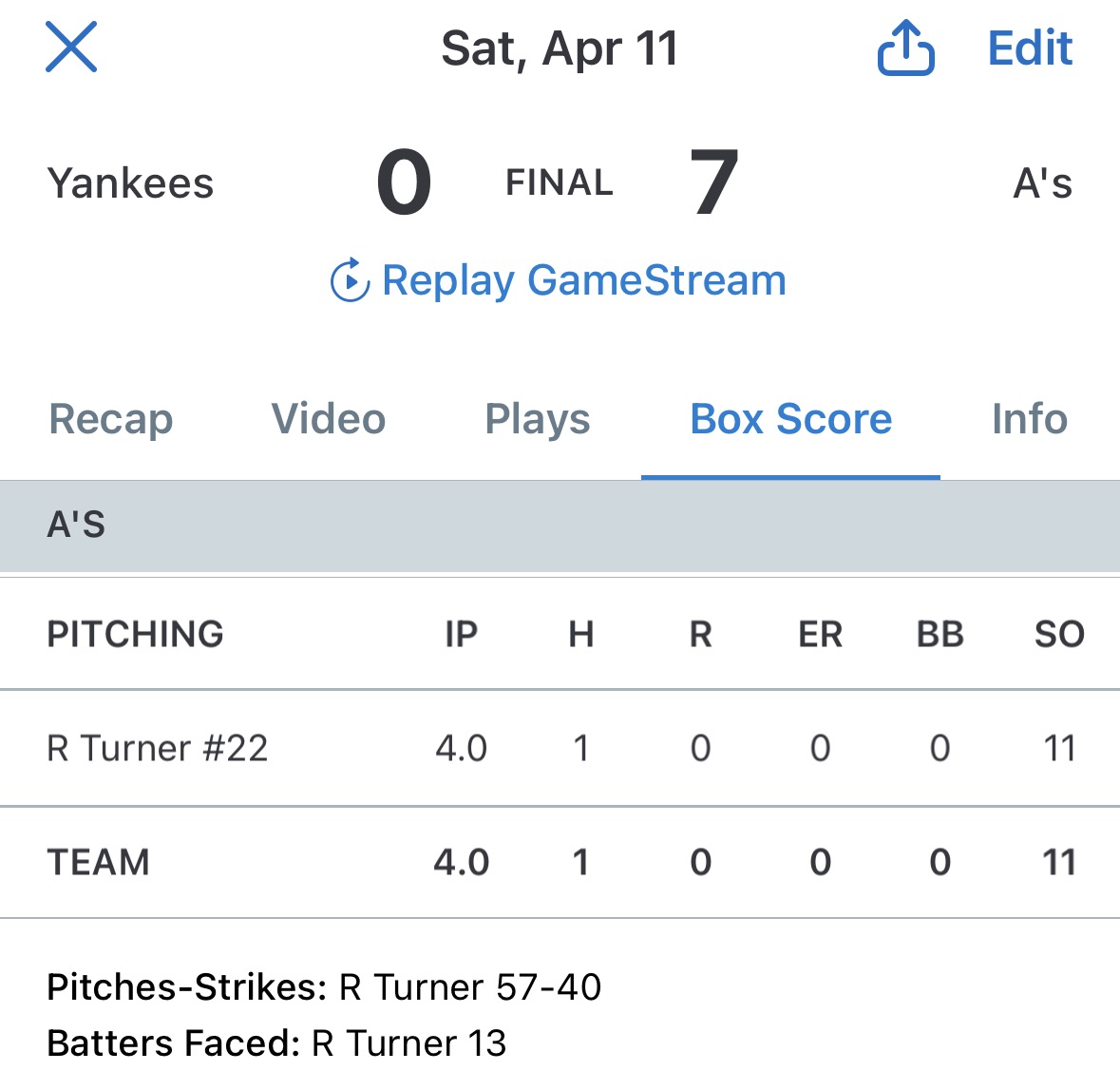




Cal

DMath Ultimate Frisbee!!
Math vs EECS
NotePreviously 0-0
1-0

The Project: Where You Should Be
You should now be in the modeling and analysis phase of your course project. By the end of today, you should have:
- A clean dataset loaded in your Vantage workspace
- A can do attitude
ImportantProject Links
| Resource | Link |
|---|---|
| Project Instructions | Course Project Instructions |
| Project Groups / Pairs | Project Pairs |
| Presentation Template | MA206X West Point Template (.pptx) |
| Army Vantage | Vantage Workspace |
Off to Vantage
The rest of the class, I’ll work through some ideas and show how some of the code works. Follow along in your own Vantage workspace.
Before You Leave
Today
- Project work day – no new material
- You have every tool you need for a strong Tech Report
- Canvas, Project Pairs, Vantage, and the template are all linked above
Any questions?
Next Lesson
Lesson 33: Multiple Linear Regression III
- Interaction terms in regression
- When slopes depend on another variable
- Supplement: Interactions
Upcoming Graded Events
- Tech Report – Due Lesson 36